Cards in. Answers back.
Photograph a card, review the catalog match, choose its exact condition and finish, then add it without retyping the identity.
Built for collectible card vendors
VendorOS keeps inventory, pricing, transactions, events, and shop operations connected—so the work after the deal does not become a second job.
No card required for the Free plan.
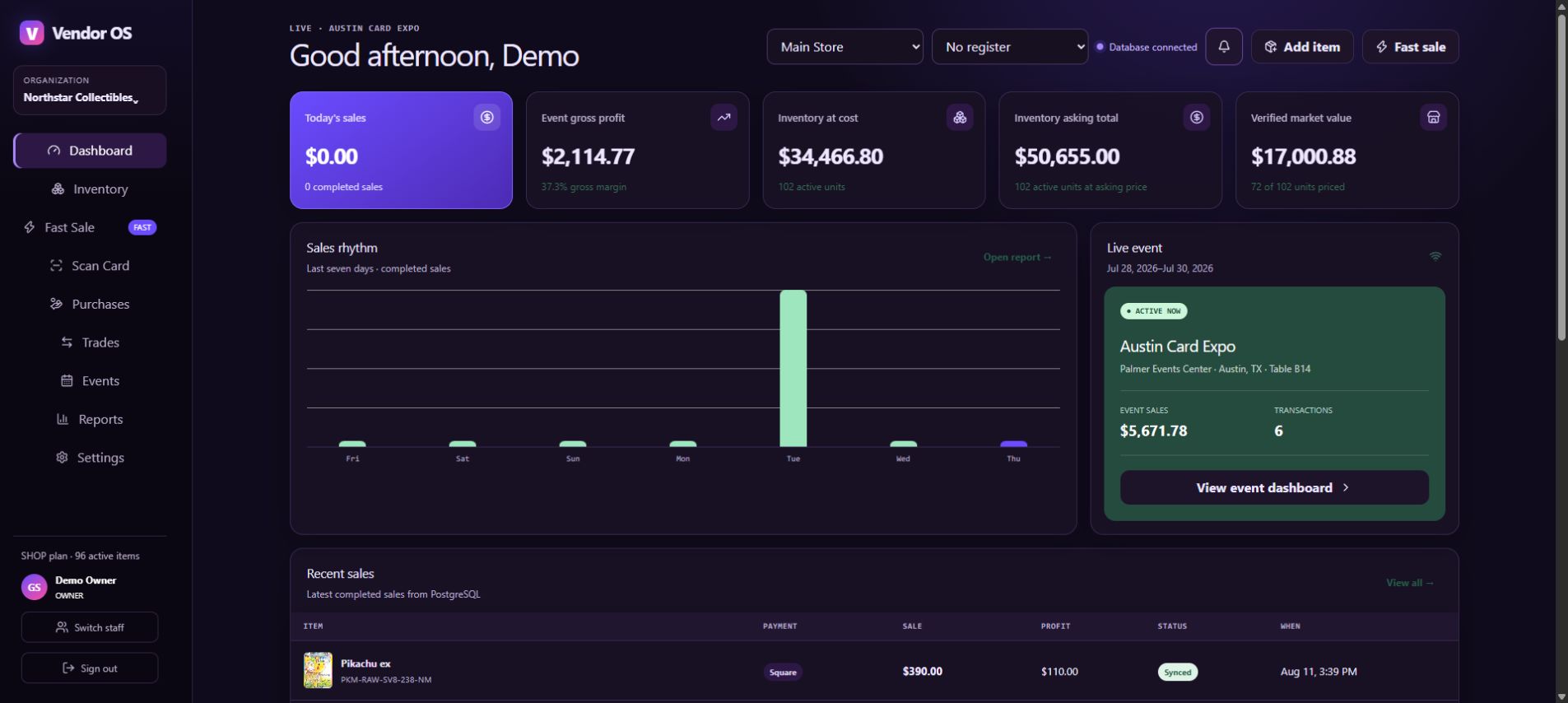
Photograph a card, review the catalog match, choose its exact condition and finish, then add it without retyping the identity.
Compare asking price with available market data, surface stale or risky prices, and prepare the next batch of labels from one queue.
Sell, buy, or trade without losing the event, location, staff member, payment, receipt, or inventory movement behind the transaction.
VendorOS in your hand
The same inventory and transaction record follows the work from phone to tablet to the web dashboard.
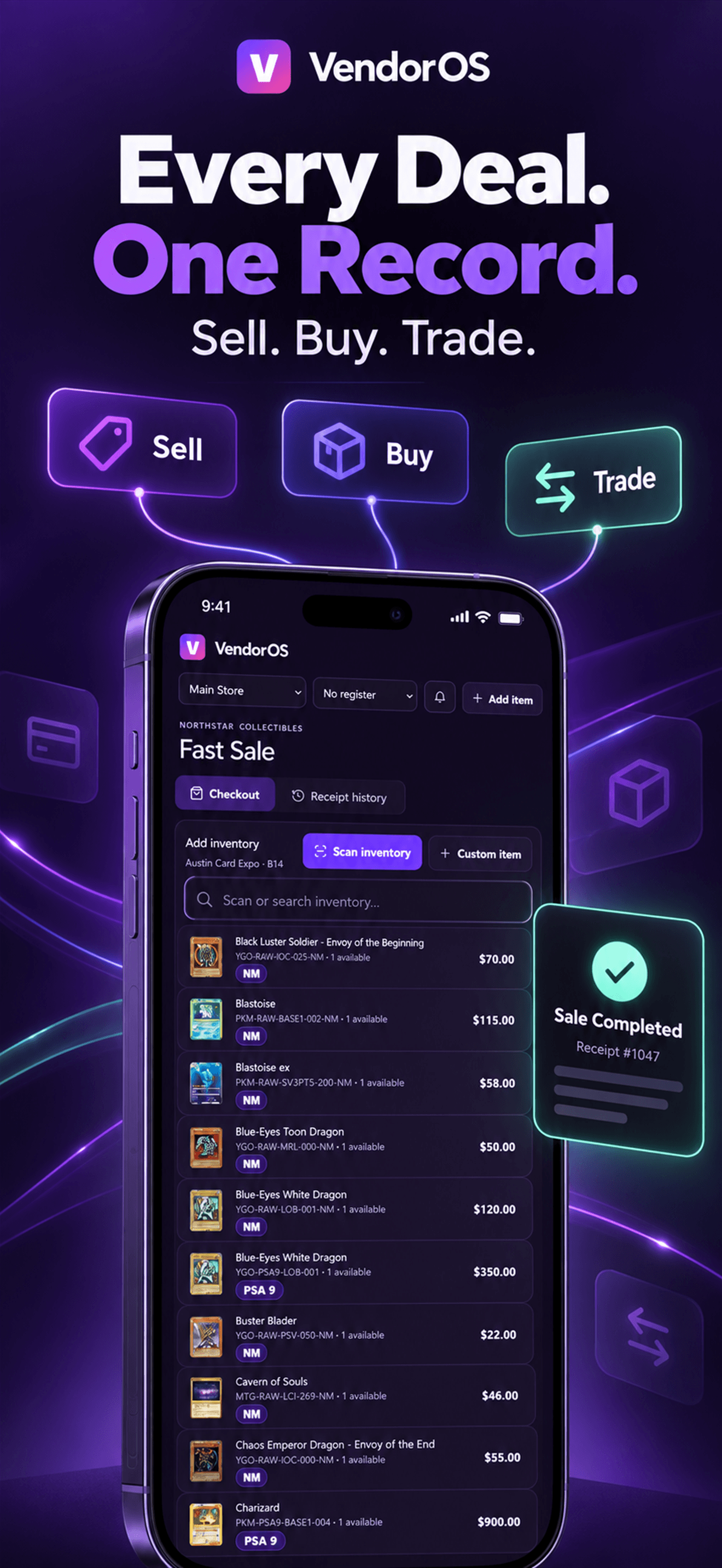
Sales, purchases, trades, payments, receipts, and inventory movement stay connected.
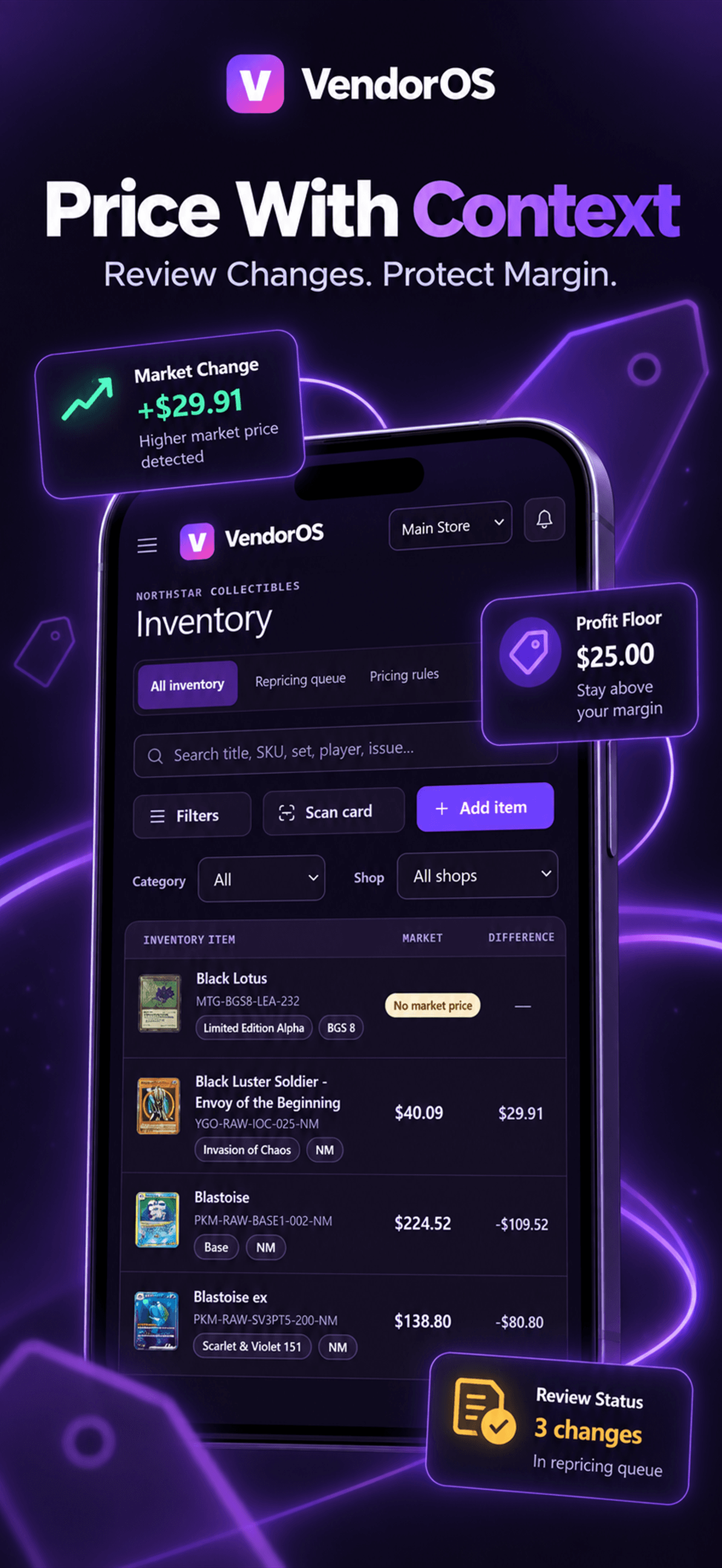
Every tier sees the current market price. Pro adds history, sold comps, graphs, and deeper market detail.
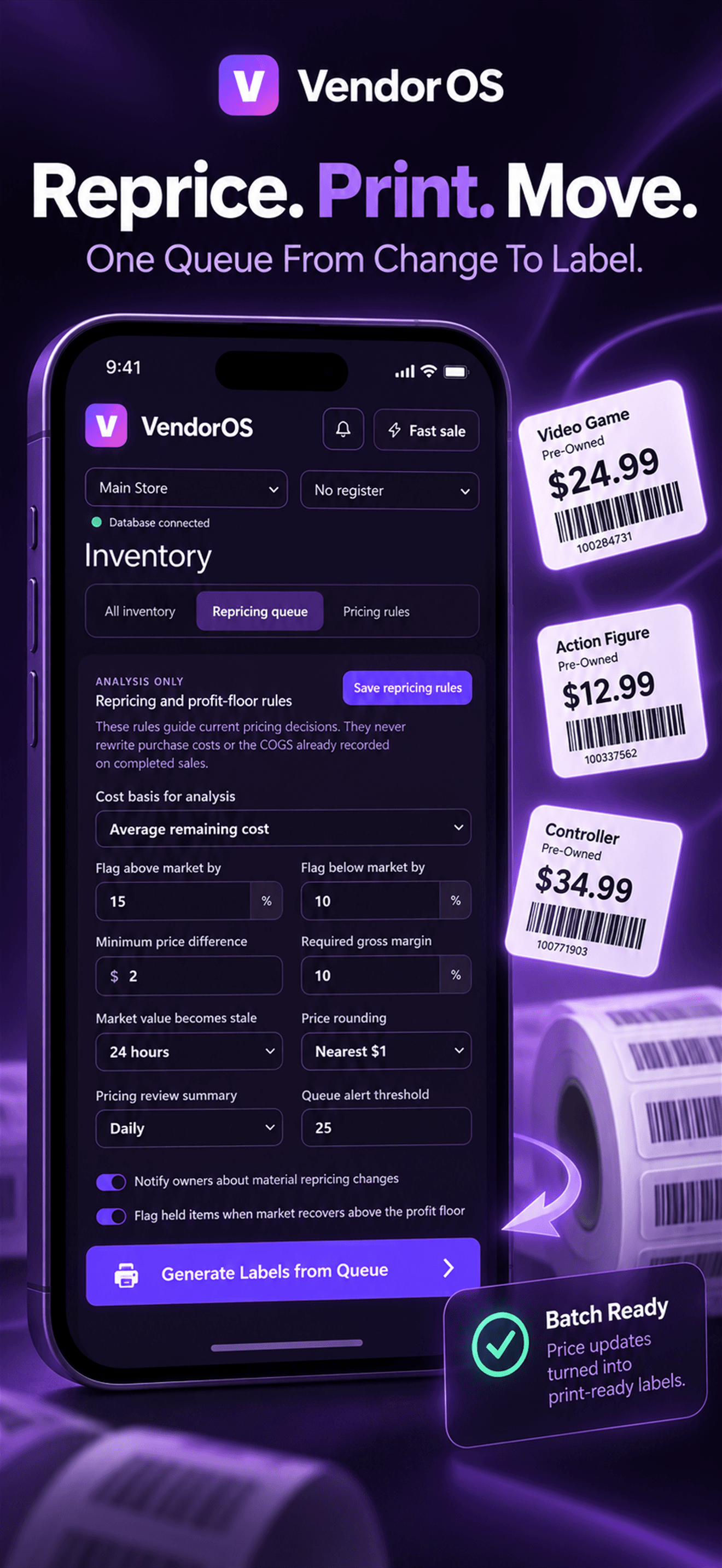
Review price work and print directly to the supported NIIMBOT D110_M. More printers are coming soon.
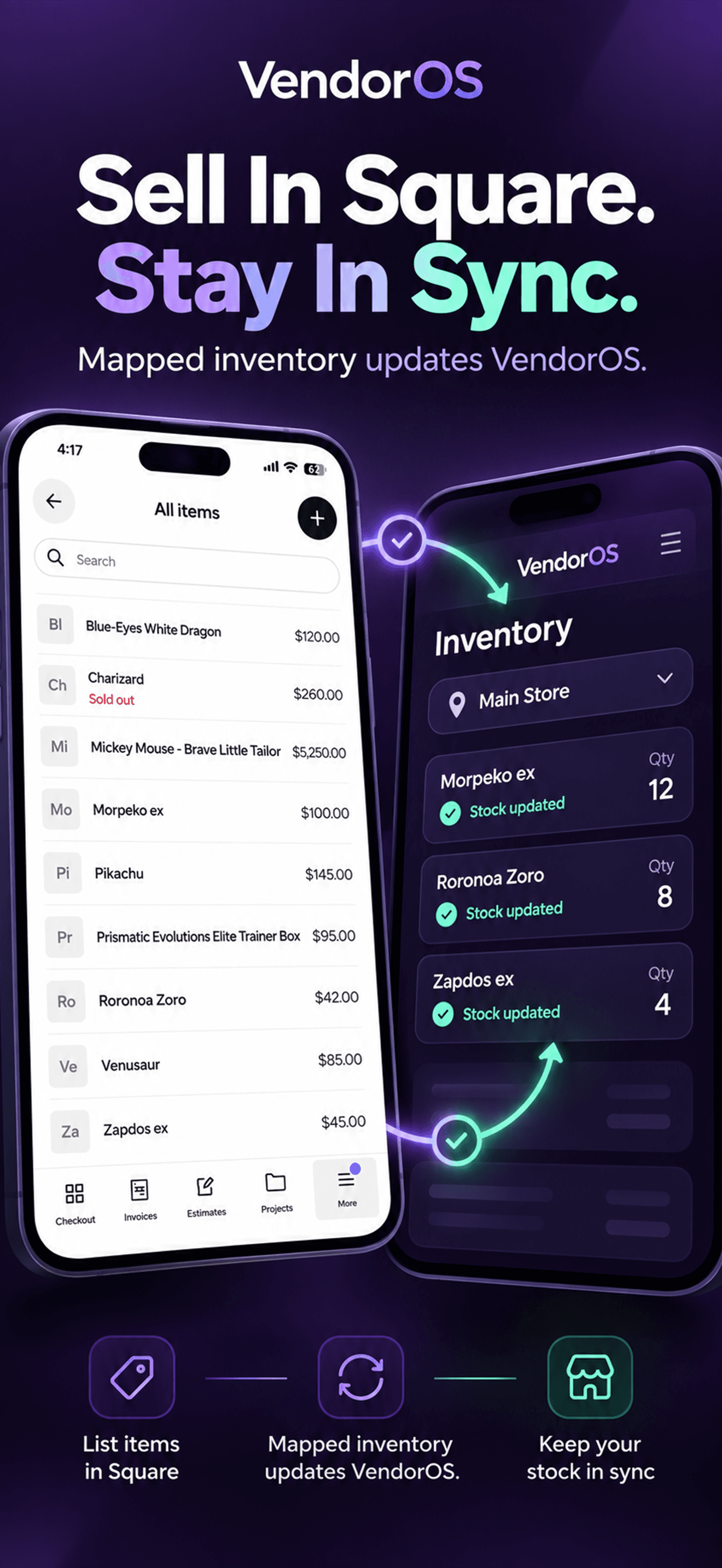
Use guided setup, review safe SKU matches, and keep mapped Shop inventory synchronized with Square across physical locations.
Scan to inventory
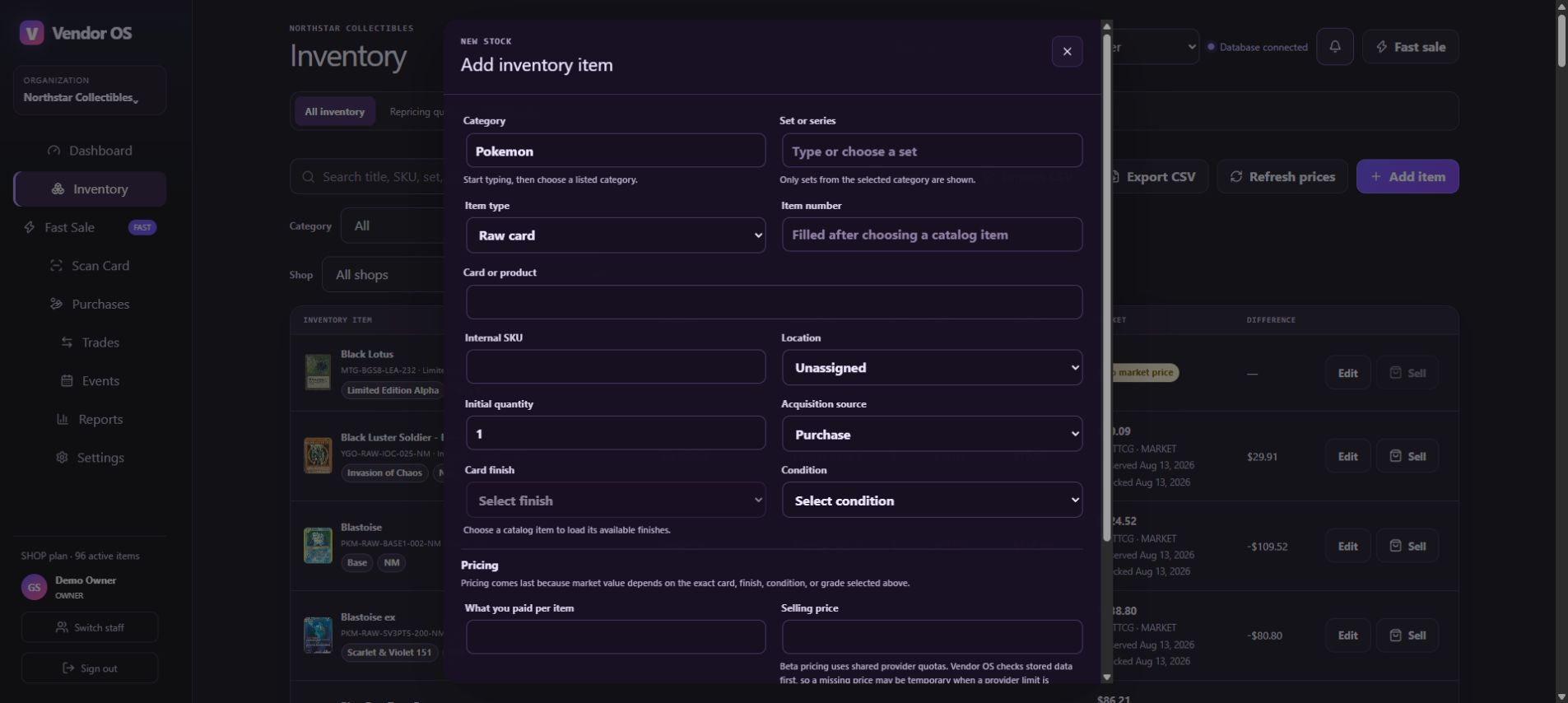
Start with the camera or search. VendorOS keeps the chosen card, set, finish, condition, SKU, market value, asking price, and location together through confirmation and inventory intake.
Pricing and labels · Pro+
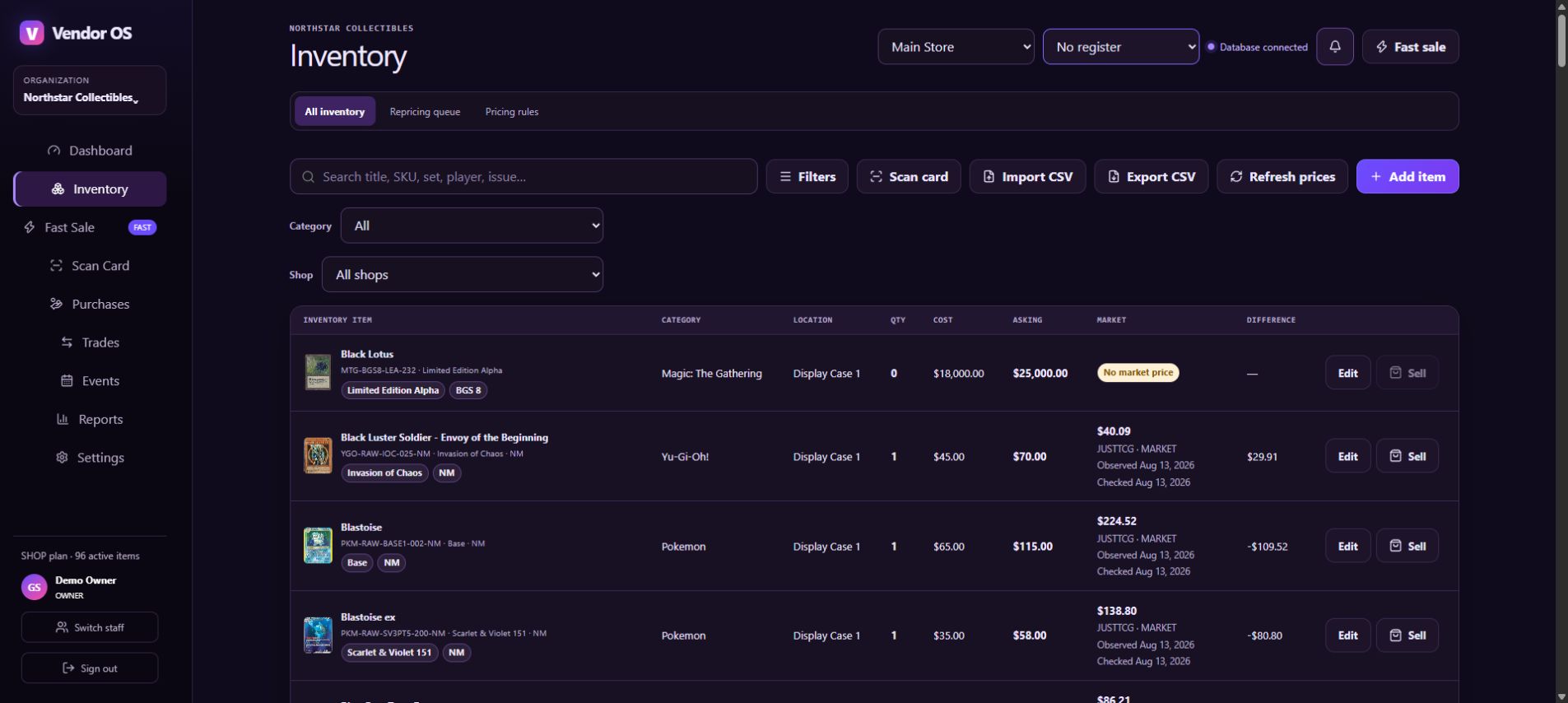
Review market movement, stale values, minimum-price risks, and sticker work together. Apply changes deliberately and prepare updated labels without hunting through the entire inventory list.
Sell · Buy · Trade
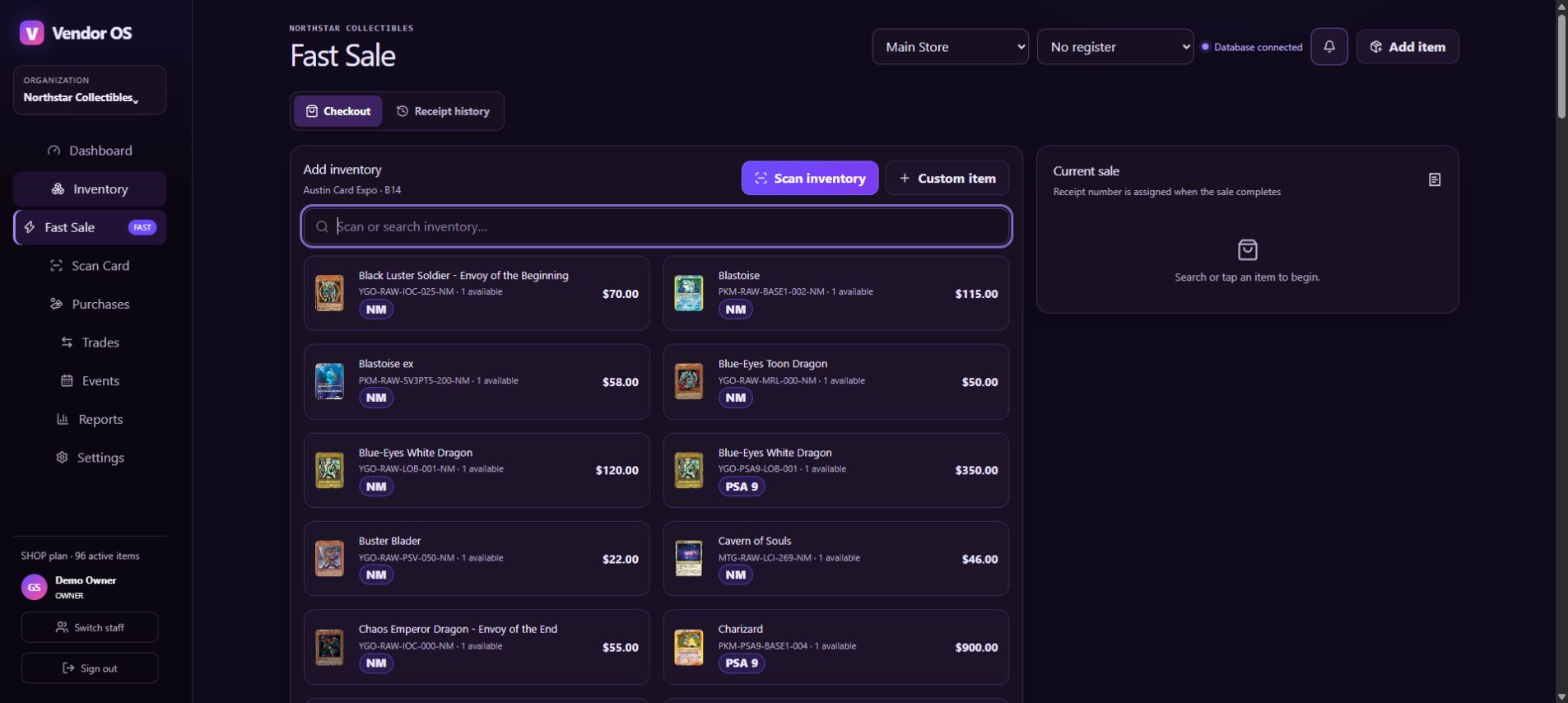
Dedicated transaction modes preserve the speed of a normal sale while sharing inventory, payment, receipt, event, and staff context underneath. Switch transaction types without learning three unrelated systems.
From solo table to retail floor
Start with the essentials. Team and Shop capabilities appear when the business actually needs them.
Events
Keep transactions and expenses attached to the event, then review revenue, gross profit, and margin without rebuilding the show in a spreadsheet.
Team
Use roles, invitations, PIN switching, approvals, attribution, audit history, and member analytics for a multi-person booth.
Shop
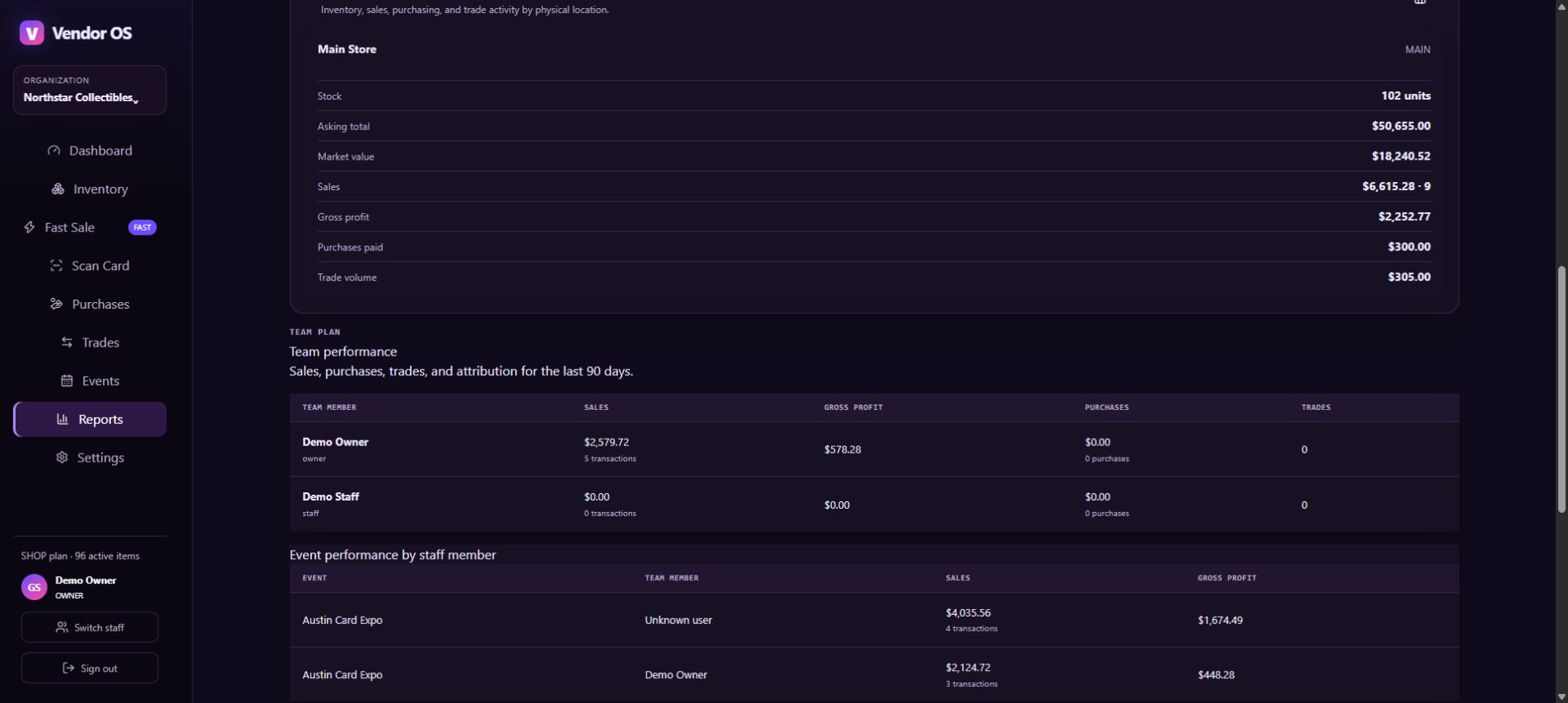
Track per-store balances, transfers, receiving, register context, reporting, Square mappings, and reconciliation across physical locations.
VendorOS separates the item identity from its physical stock so stores, displays, binders, transfers, and Square locations stay understandable.
A useful Free plan
Free is a working VendorOS account—not a screenshot tour. Upgrade only when you need more capacity, market tools, staff controls, or store operations.
Compare plansEverything included
Current market pricing is part of the operating foundation. Advanced pricing detail and automation begin with Pro; people and store controls build on top of it.
Every plan
Pro
Team
Shop
Organization-scoped access, server-side entitlement checks, role-aware controls, protected integrations, and deliberate inventory writes are built into the workflow.
Questions before the next show
Yes. Import a CSV, then use VendorOS catalog matching and pricing refreshes to connect supported card identities, artwork, and available market data.
No. The web app and mobile apps cover the core workflows. Supported payment readers and label printers are optional additions for the workflows that need them.
No. VendorOS supports 20 trading card games across catalog search, inventory, and card-scanning workflows.
Yes on Shop. Store stock, transfers, receiving, register context, reporting, and Square location mappings are designed around physical retail operations.
VendorOS
Build the workflow on Free, then add the capacity your business needs.